
Free · No signup · No watermark
Free AI captions in Urdu, Hindi, Arabic & English.
Auto-generate subtitles, burn stylish captions into Reels and Shorts, compress video for WhatsApp and pull MP3 audio from any clip — right in your browser.
Speaks your language
- اردو (Urdu)
- हिन्दी (Hindi)
- العربية (Arabic)
- English
- Español (Spanish)
- Français (French)
- Deutsch (German)
- Português (Portuguese)
- Bahasa (Indonesian)
- Türkçe (Turkish)
- Instagram Reels
- YouTube Shorts
- TikTok
- WhatsApp Status
- Zoom recordings
- Podcasts
- MP4
- MOV
- WebM
- MKV
- SRT
- VTT
- MP3
- WAV
- M4A
- Voice notes
The toolkit
Everything a creator needs. Nothing to install.
- AI-powered
Caption Generator
Auto-generate subtitles from video or audio as SRT, VTT or text (Urdu, Hindi, Arabic, English). Pick a style, fix any word, then export SRT/VTT or burn captions straight into your video.
Start captioning - AI-powered
Voice Note to Text
Turn WhatsApp voice notes (.opus, .ogg, .m4a) into text in Urdu, Hindi, English or Arabic
Open tool - On-device
Audio Extractor
Extract audio from any video and save it as MP3, WAV or M4A
Open tool - On-device
Video Compressor
Reduce video file size for WhatsApp, email and uploads
Open tool - On-device
SRT to VTT Converter
Convert SRT subtitles to WebVTT (.vtt) for web video players
Open tool - On-device
VTT to SRT Converter
Convert WebVTT (.vtt) captions to SRT for editors and YouTube
Open tool - Live
Voice to Text
Type with your voice in real time (English, Urdu, Hindi, Arabic and more)
Open tool

Caption styles
Scroll-stopping captions in one click
Seven ready-made looks for Reels, Shorts and TikTok. Tweak colour, size and position, then burn them in — Urdu, Hindi and Arabic letters render correctly.
ClassicOutline BoxedBoxed YellowOutline Bold PopOutline NeonOutline NewsBoxed MinimalOutline - Make your ownColour · outline · box · position
Built for desi creators
Pro-level output. Zero cost.
Made for Pakistani, Indian and Gulf creators who post in more than one language — and for anyone who just wants a clean file without a watermark.
- caption languages, incl. Urdu, Hindi & Arabic
- 10
- ready-made caption styles to burn in
- 7
- watermarks, signups or paywalls
- 0
- on-device for compress, extract & convert
- 100%
How it works
From raw clip to captioned post in three steps
- 1
Drop in a file
Choose a video, audio or subtitle file from your phone or computer — or just start speaking.
- 2
Let it work
Most tools run right in your browser, so nothing is uploaded and there is no queue.
- 3
Download & post
Save your captions, MP3, compressed MP4 or transcript. No watermark, ever.
Why Voxlary
Privacy-first. Free for real.
- Your video stays on your deviceCompression, audio extraction and subtitle conversion never leave your browser.
- Private bot protectionA cookie-free “I’m human” check keeps the free capacity for real people.
- Built for multilingual creatorsUrdu, Hindi Devanagari and Arabic captions that render properly.
| Feature | Voxlary | Typical online editor |
|---|---|---|
| Price | Free | Free tier, then monthly plan |
| Account | Not needed | Usually required |
| Watermark | Never | Often on free exports |
| Your video uploaded | No — audio only for captions | Whole video |
| Urdu captions burned into video | Yes, joined correctly | Often missing or unjoined |
Learn
Guides
 How to Extract Audio from VideoPull the audio track from any video file in MP3, WAV, or M4A format.
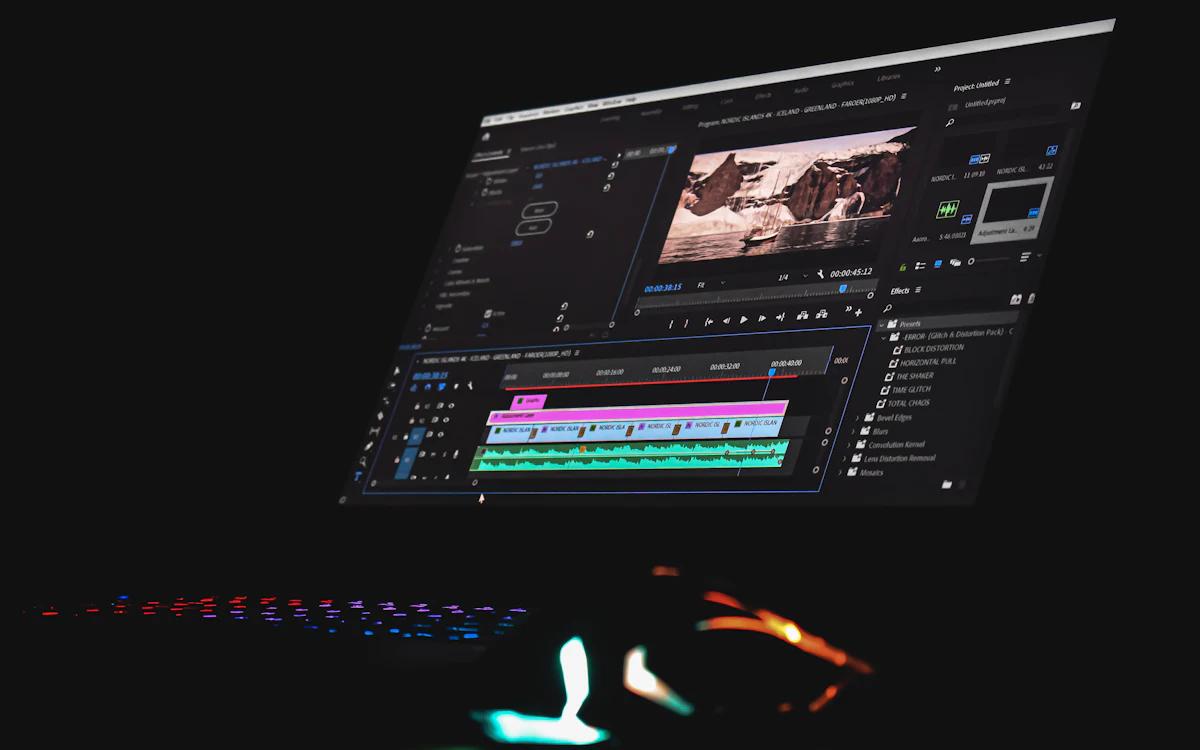 How to Compress Video Without Losing QualityReduce file size while keeping your video looking good.
 SRT vs VTT: Which Subtitle Format Should You Use?Compare the two most common subtitle formats and learn when to use each.
 How to Add Captions to a VideoGenerate captions in Urdu, Hindi, Arabic, English, and more.
FAQ
Frequently asked questions
Are these video tools really free?
Yes. Every tool is free to use with no account, no signup and no watermark on your files.
Do you upload or store my videos?
No. Audio extraction, video compression and subtitle conversion run entirely in your browser, so your file never leaves your device. The Caption Generator sends only short audio chunks to a speech-to-text provider, and nothing is stored.
How do I generate subtitles from a video?
Open the Caption Generator, choose your video or audio file, pick the spoken language, tick the “I’m human” check and press Generate. When it finishes, review the captions and download them as an SRT, VTT or TXT file, or burn them into the video.
Can I make captions in Urdu, Hindi or Arabic?
Yes. The Caption Generator and Voice to Text tool support Urdu, Hindi and Arabic as well as English, Spanish, French, German, Portuguese, Indonesian and Turkish. When you burn captions into a video, Urdu and Arabic letters are joined correctly, right to left.
Why do I need to tick “I’m human”?
Caption generation uses a paid speech-to-text service. A quick, private bot check (no cookies, no image puzzles) stops automated scripts from using up the free daily capacity, so it stays available for real creators.
Do the tools work on mobile phones?
Yes. The tools work in Chrome on Android and Safari on iPhone; large video files are faster on a computer. If you opened this site from WhatsApp, Instagram or Facebook, tap “Open in browser” for voice typing and downloads.
Your next post deserves captions.
Free, private and ready in minutes. No account needed.